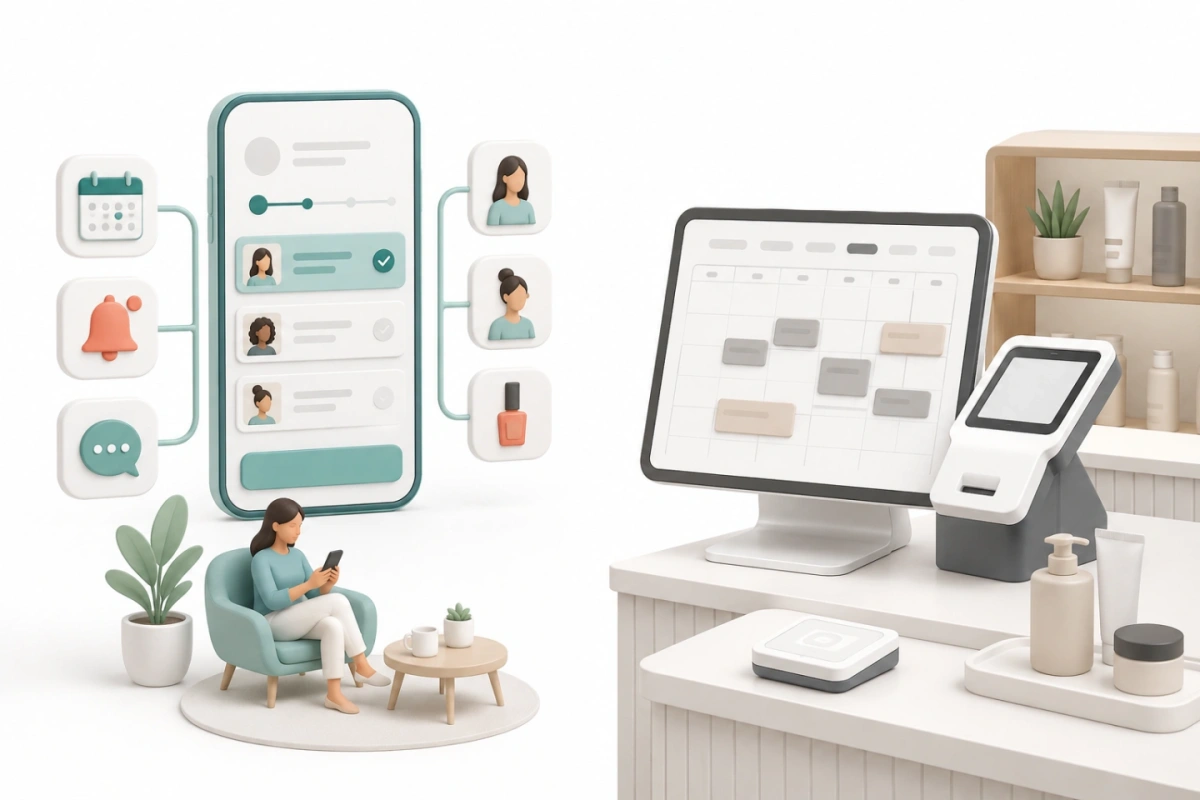
Square publishes a Free plan described as being for solo professionals taking payments and managing schedules, along with Plus and Premium plans for growing teams and larger salons, and custom Square Pro pricing for high-volume businesses above a published annual processing threshold. Square lists processing fees separately from the plan tiers.
FindSlot covers the booking side: a custom booking page, automated appointment reminders, QR code booking, staff scheduling, and mobile-friendly booking for appointment-based service businesses.
The free plan question
Both products publish a free plan for a solo professional: Square's is tied to taking payments through Square, FindSlot's covers the core booking workflow with no payment card required. Free is therefore not the deciding difference.
The questions to ask are how each tool behaves once you add providers, and how much of its value depends on running your payments through one processor.
What to check before you decide
Start with your payment setup, because it decides most of this comparison. Then check how each tool handles multiple providers, since plan tiers usually change there. Review the features and pricing and compare against the same criteria.
What should you verify before changing payment processors?
Before changing payment processors, confirm how each platform handles booking data, client records, reminders, refunds, and public booking links. Export any records you may need, then test a complete booking and payment workflow before disconnecting the previous processor. Product behavior can vary by plan and configuration, so verify the current process with each provider.
Square Appointments information comes from Square's Appointments overview and Square's Appointments pricing page, checked 16 August 2026.