Automated Appointment Reminders
Use automated appointment reminders with email and SMS workflows to reduce no-shows and keep schedules on track.
Reduce no-shows with automated reminders
Missed appointments hurt twice. You lose revenue from the empty slot, and you lose time that could have gone to another client. For service businesses, that can make the entire day less efficient.
Automated reminders help solve a simple but costly problem: clients forget, get busy, or fail to confirm important details.
FindSlot supports reminder workflows that help clients remember their appointment and arrive better prepared. When reminders are part of the booking flow, your business feels more organized and clients get a stronger sense of confidence and clarity.
The reminder sequence at a glance
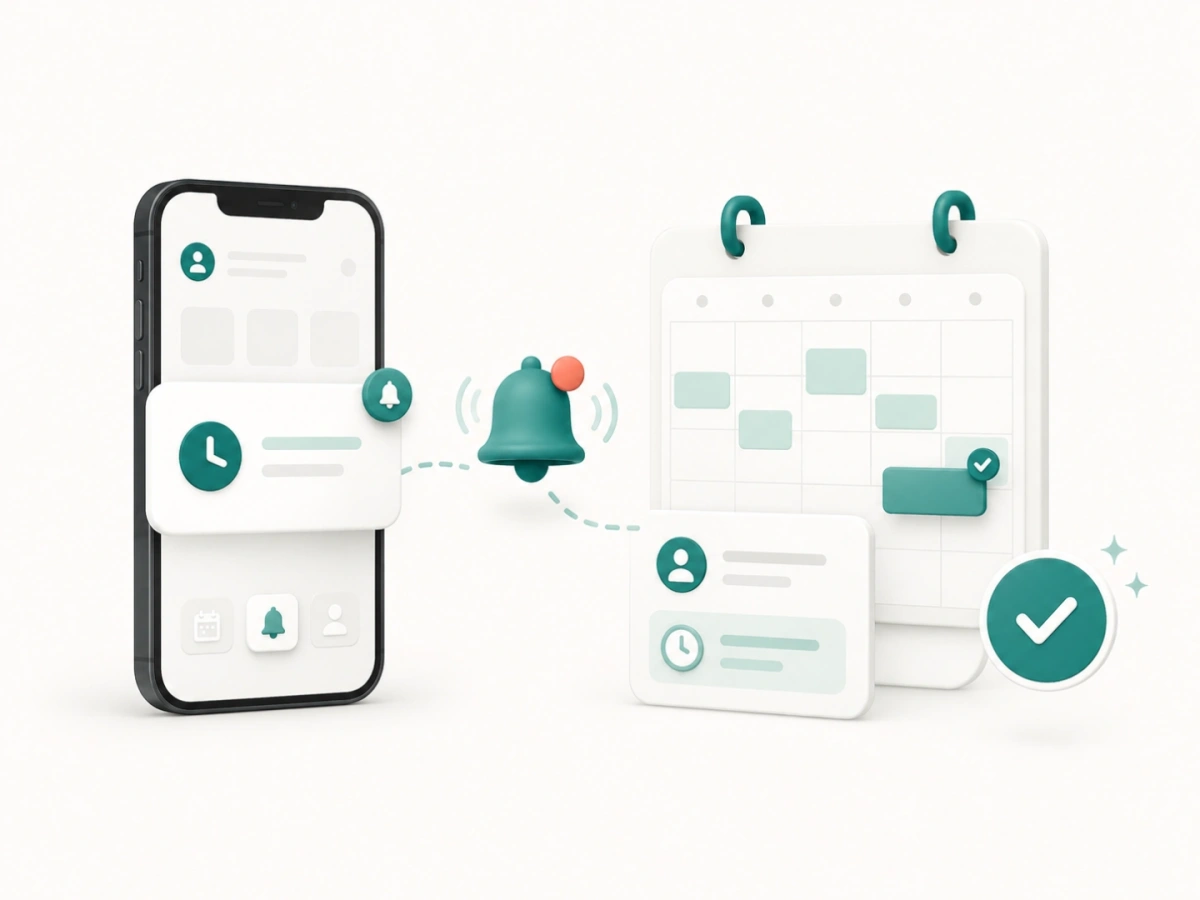
Default client reminder sequence: 7 days, 24 hours, and 1 hour before the appointment. Each reminder is generated automatically from the confirmed appointment details and includes a link back to the appointment, so the client can confirm, move, or cancel it without calling. Email reminders are included in every plan, and SMS reminders are included from the Plus plan; a business can adjust its reminder preferences from its account. Team members receive their own reminders for the appointments they are assigned to, with preferences of their own. See the pricing page for the reminder channels in each plan.
Why automated reminders are essential
- Protect your revenue: Fewer no-shows mean more completed appointments and more consistent income for your business and staff.
- Save time for your team: Automating the reminder process means your front desk or providers don't have to spend hours on the phone or in DMs confirming visits.
- Better client experience: Clients appreciate the heads-up. A well-timed reminder helps them stay organized and shows that you value their time and your own.
- Reduce scheduling confusion: Reminders confirm the exact time, service, and location, reducing the chance of clients arriving at the wrong time.
How different businesses use reminders
- Salons & Beauty: Use reminders to keep cuts, color consultations, and other booked services visible.
- Fitness & Lessons: Remind clients and learners about private sessions arranged around an instructor's time.
- Home & Business Services: Keep estimates, consultations, and specialist appointments clear before the scheduled time.
Best practices for appointment reminders
Keep it clear and concise
A good reminder should include the date, time, and service. It doesn't need to be long; it just needs to be accurate and helpful.
Find the right timing
By default, FindSlot sends client reminders at three points before the appointment: 7 days, 24 hours, and 1 hour. Each does a different job. A week out, the client can still rearrange their plans. A day out, they can cancel while you can still refill the slot. An hour out, the message is about arriving on time rather than arriving at all.
Sending only one means choosing which of those jobs to do. The earliest message is the one that recovers slots you can still resell, and it is the one most businesses skip.
Give the client something to act on
Every FindSlot reminder includes a link to the appointment itself, so a client who cannot attend can move it without calling during opening hours. A reminder that only states a time puts the work back on the client, and most people will not do it - the appointment quietly becomes a no-show instead.
Consistency is key
By automating your reminders through FindSlot, you ensure that every client gets the same experience every time they book. Manual reminders stop during the weeks you are busiest, which are the weeks a missed appointment costs most.
Appointment reminders FAQ
Can I customize the reminders?
Yes. By default, clients receive reminders 7 days, 24 hours, and 1 hour before the appointment, by email on every plan and by SMS from the Plus plan. Each reminder is generated from the confirmed appointment and includes the service, date, time, and a link to the appointment, and a business can adjust its reminder preferences from its account. Team members receive their own reminders for the appointments assigned to them, and those preferences are customizable too. Review the pricing page for the reminder channels included in each plan.
How many reminders does FindSlot send?
By default, three reminders: 7 days, 24 hours, and 1 hour before the appointment. They are not repeats of each other - each arrives at a point where the client can do something different about it.
What if a client still does not turn up?
Reminders address forgetting, which is the most common cause but not the only one. A written policy covers the rest - see the no-show policy template, and reducing appointment no-shows for the wider picture.
Do reminders work for all service types?
Yes. Whether it's a 15-minute consultation or a 3-hour treatment, reminders are valuable for any appointment-driven business.
Does this replace calling clients?
For most routine appointments, yes. It handles the baseline communication so your team only needs to make calls for special cases or last-minute changes.
Getting more out of reminders
- When to send an appointment reminder - why a week out, a day out and an hour out do three different jobs.
- Appointment reminder templates - wording for text and email, built around giving the client something to act on.
- What to say to a client who did not show up - the message after a missed appointment.