Configure
Set up services, durations, providers, and booking rules.
Use a client-facing booking page, appointment reminders, QR booking, and staff availability controls to make everyday scheduling clearer for clients and teams.
Set up services, durations, providers, and booking rules.
Publish one booking destination across your client channels.
Keep the schedule current as appointments and availability change.
Each FindSlot feature supports the same booking record. A service duration affects availability, staff hours determine which times appear, and reminders use the confirmed appointment details. Review the workflows below, then compare plans to see which controls are included in your account.
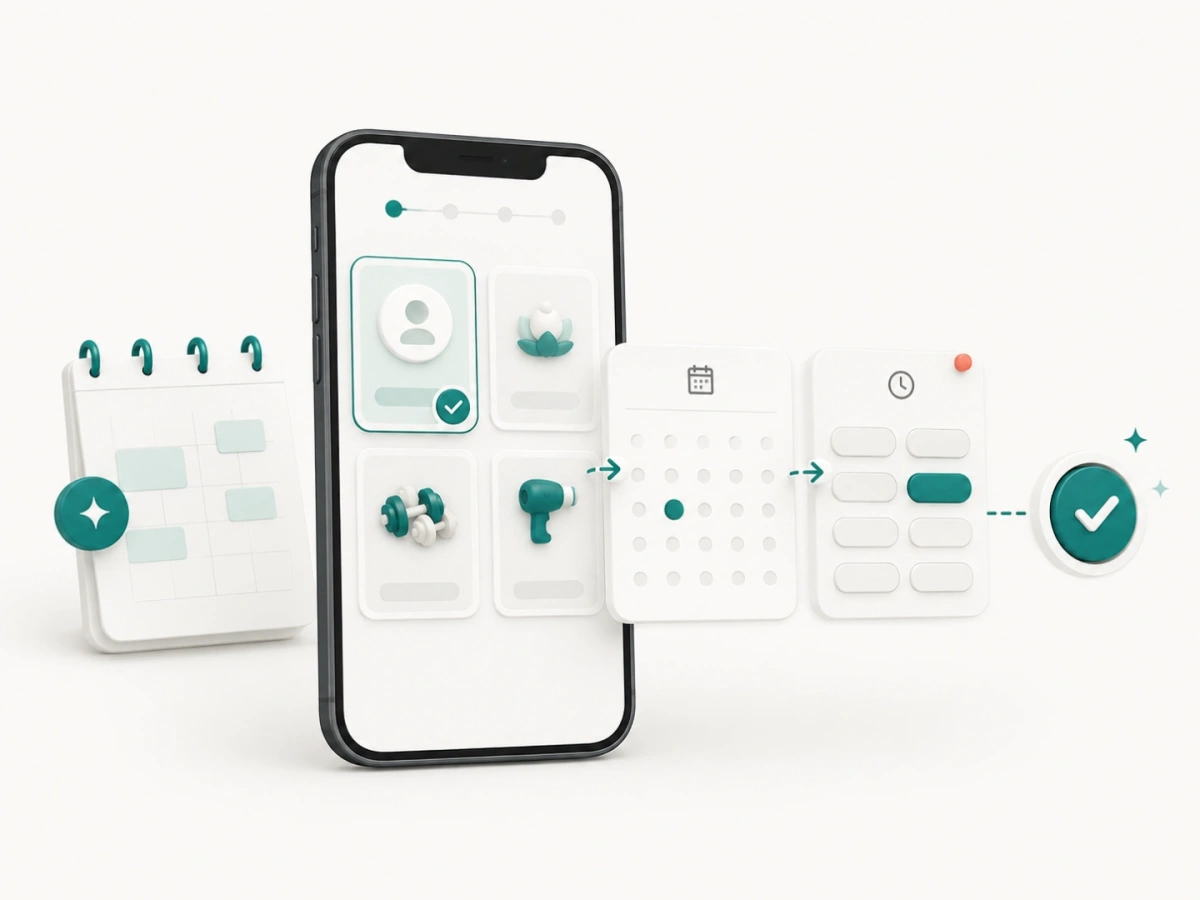
Present services and available times in a client-friendly flow.
Learn more →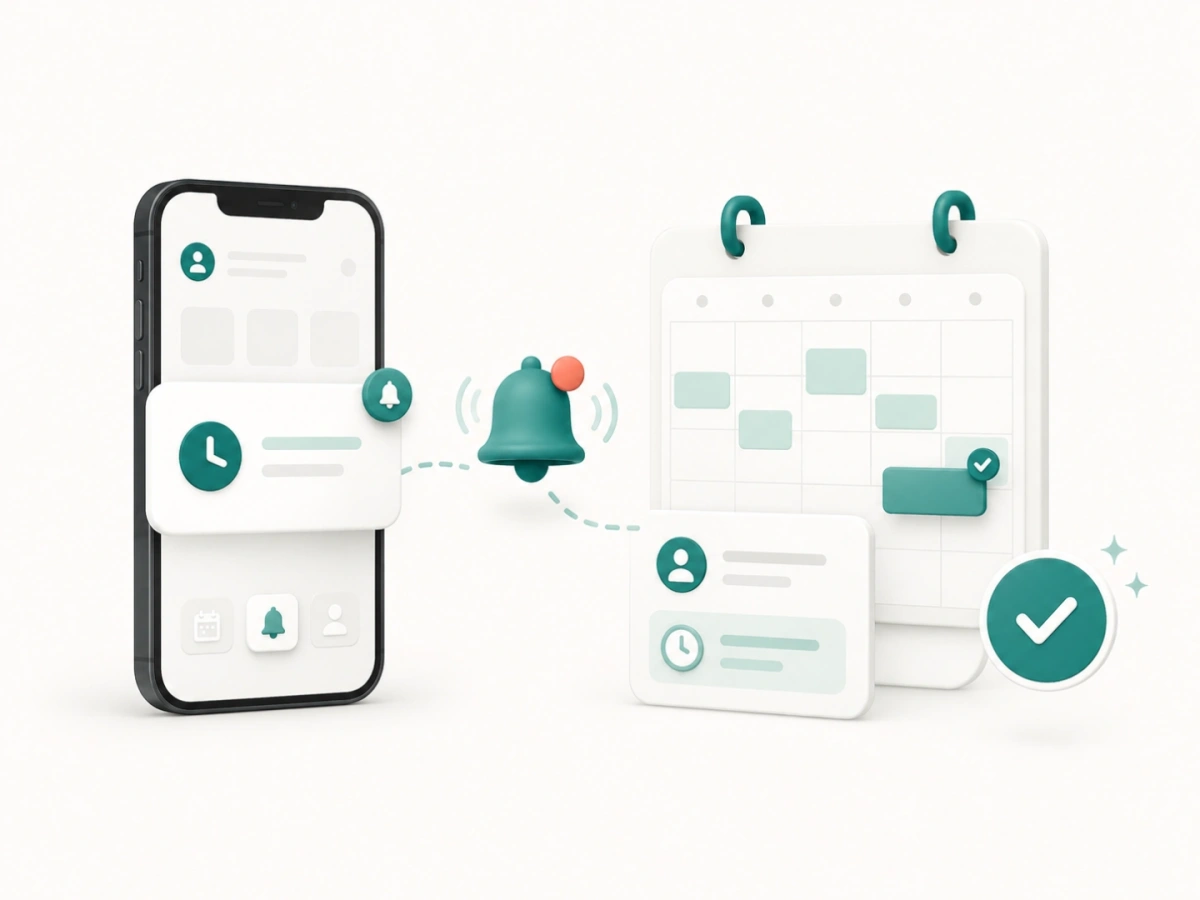
Keep confirmed appointments top of mind before the scheduled time.
Learn more →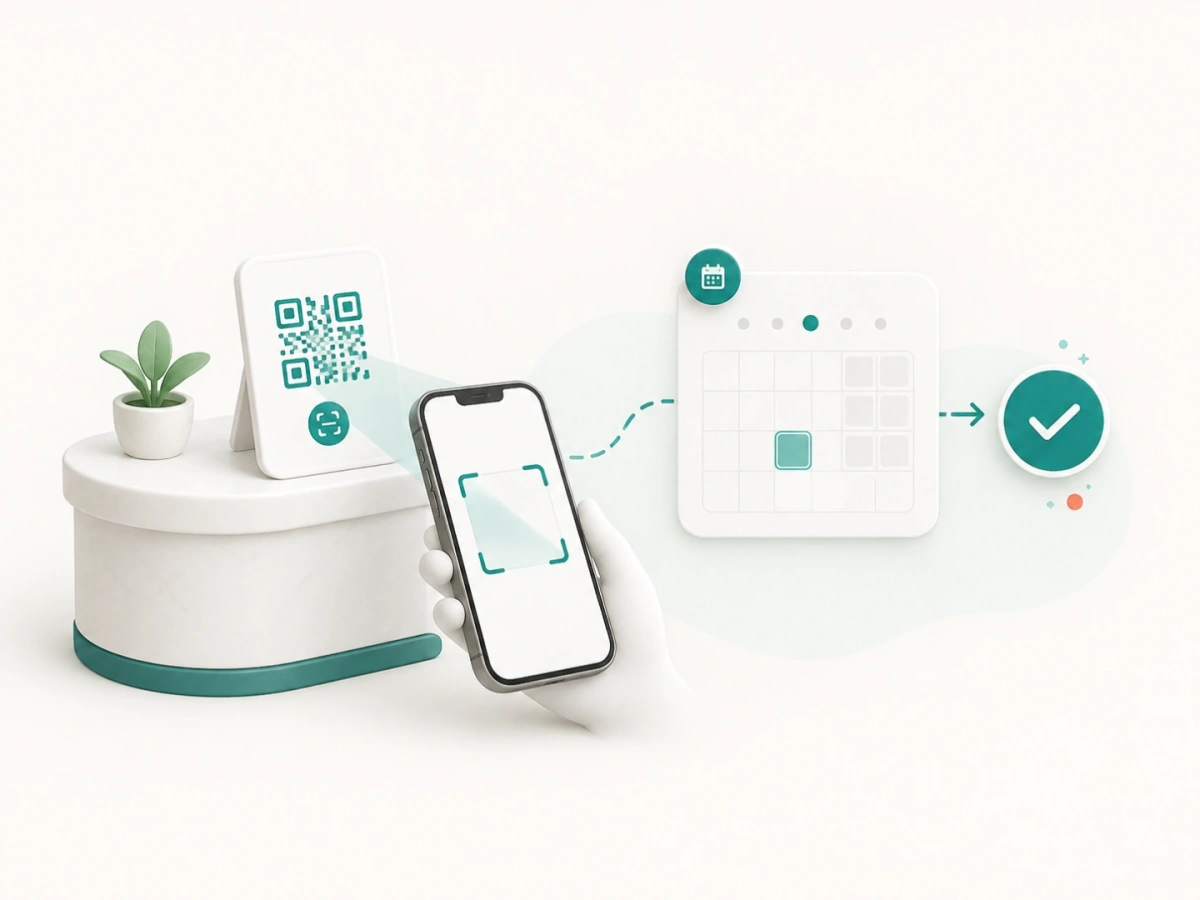
Turn in-person attention and printed materials into a direct booking path.
Learn more →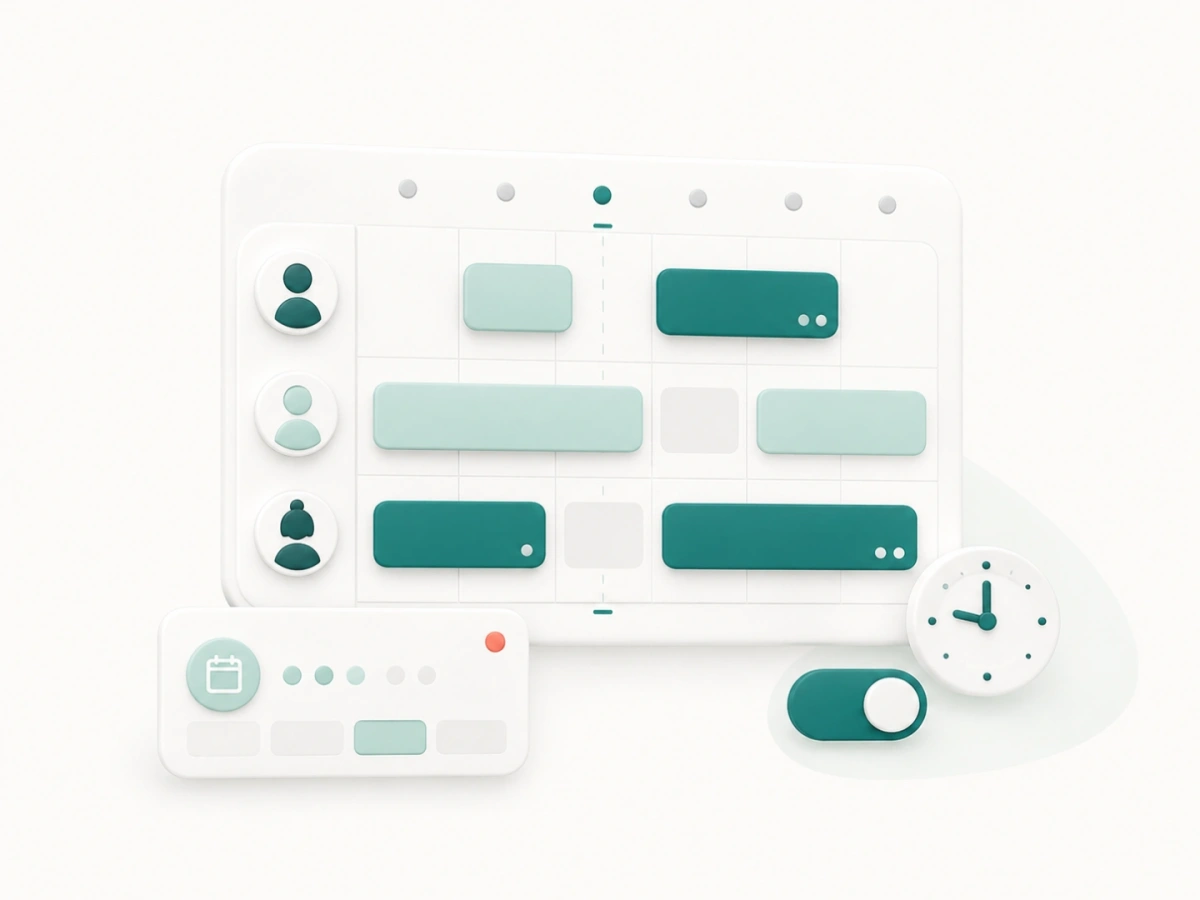
Coordinate provider hours, breaks, services, and availability.
Learn more →
Keep availability easier to manage with scheduling workflows that help reduce overlap and double-booking risk.
Give clients a fast booking experience that works well on the phones they already use to discover and book services.
FindSlot supports appointment businesses across beauty, wellness, fitness, lessons, pet, creative, event, home, auto, and professional services.
Individually each of these is a small thing. A booking link. A reminder. A staff rota. What makes scheduling work is how they connect, because every one of them is only useful if the availability behind it is accurate.
Most scheduling problems in a service business trace back to the same root. The calendar says one thing, the person answering the phone believes another, and the client is somewhere in between. Availability that lives in one place, and is published directly to clients, closes most of that gap without anyone changing how they work.
A client arrives from somewhere specific: an Instagram profile, a search result, a card handed over at the counter. Your booking page is the one destination all of those can point at, so the path to a confirmed appointment is the same wherever it started.
Once an appointment exists, the work shifts to keeping it. Appointment reminders give the client a clear moment to confirm or move it while the slot can still be reused. That single message is the difference between a gap you can refill and one you discover when nobody arrives.
Then there is the visit after this one. A client standing at your counter is the easiest booking you will ever take and the hardest to recover once they have left. QR booking exists for that moment, turning a code on the desk into the next appointment before the client is out of the door.
Underneath all of it, staff scheduling decides what any of those channels can offer. Hours, breaks, and which provider does which service determine the times a client sees. When that is wrong, every other part of the system is confidently wrong with it.
FindSlot is built for appointment-driven service businesses, and what matters most differs by trade.
If missed appointments are the specific problem you are trying to solve, reducing appointment no-shows covers what actually moves the number. To see what each plan includes, compare pricing.
Answers about FindSlot booking, reminder, QR, and team scheduling workflows.
Core workflows include a booking page, automated reminders, QR booking, and staff scheduling.
QR booking helps businesses turn in-person attention into future appointments by letting clients scan and book quickly from printed materials, reception areas, or storefront displays.
Staff scheduling helps teams keep provider availability clear, reduce confusion, and show more accurate booking options to clients.