Custom Booking Page for Service Businesses
Create a custom booking page for your service business and let clients book online from any device.
Your booking page is part of your brand
If booking feels confusing, slow, or cluttered, people drop off. If booking feels smooth, people move forward with confidence.
FindSlot helps you present services, availability, and next steps in a way that feels simple for clients and manageable for your business. The result is a booking experience that works on phones, fits naturally into your client journey, and supports repeat appointments without manual back-and-forth.
What clients can do on the booking page
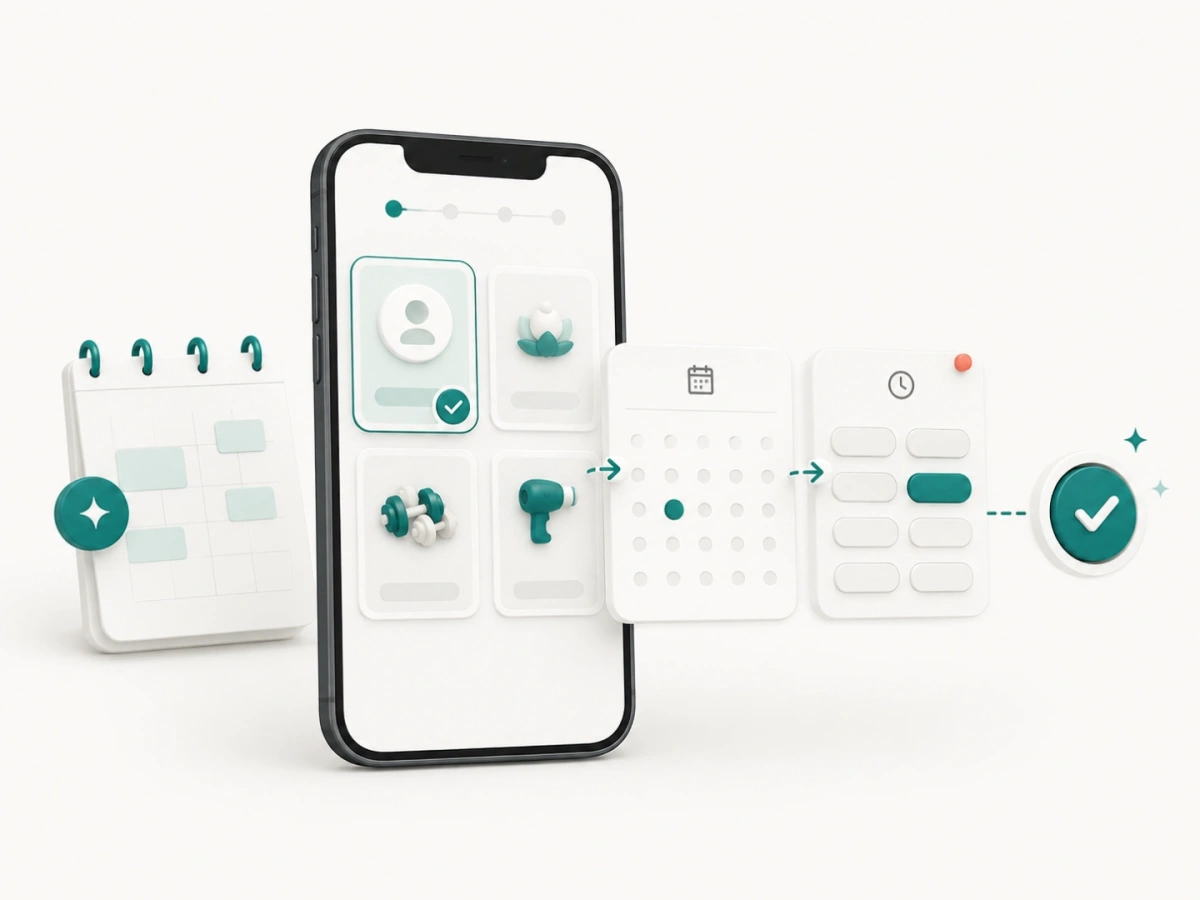
Clients can review the services your business publishes, choose from the providers made available for a service, view times created from current working hours and availability, and confirm an appointment in the browser. Everything happens on the page they opened, with nothing to install.
Why a better booking page matters
- Less friction for new clients: When someone discovers your business on Instagram, Google, or through a referral, they should be able to move from interest to booking in just a few steps.
- A better mobile experience: Many bookings happen on phones. A mobile-first booking page helps clients choose services, review available times, and confirm without frustration.
- A more professional presentation: A clean booking page can make your business feel more organized and more credible, especially for first-time clients.
- Fewer scheduling messages: When the page clearly shows services and availability, your team spends less time answering routine questions about open slots.
How service businesses use booking pages
Every industry handles appointments a little differently, but the need for a clear booking experience is universal.
- Salons and beauty businesses use booking pages to present service categories, appointment lengths, and provider availability.
- Spa and wellness providers use them to organize longer sessions and practitioner schedules.
- Fitness and lesson providers use them to match private sessions with a coach or instructor.
- Home and auto service teams use them to separate estimates, consultations, inspections, and defined service visits.
- Business service teams use them to route appointments to the appropriate specialist.
What a FindSlot booking page helps you do
Present services clearly
Clients should understand what they are booking without guessing. A strong booking page makes the path from service selection to confirmation feel natural.
Share one reliable booking destination
Your booking page can be used across your website, social media, text messages, email campaigns, and printed materials. Instead of sending people through different paths, you can guide them to one place that stays consistent.
Support repeat business
Once clients know the process, repeat bookings become easier. That is especially useful for salons, barbershops, lash artists, and other businesses built on recurring appointments.
Work naturally with reminders and staff scheduling
A booking page is strongest when it connects to the rest of your workflow. With FindSlot, it can work alongside automated reminders and staff scheduling so the front-end experience and internal schedule stay aligned.
Where to share your booking page
- Your main website navigation
- Instagram and TikTok bios
- Google Business Profile and direct messages
- Email signatures and follow-up messages
- Printed cards, posters, and front-desk signage
- QR code booking touchpoints inside your location
Booking page FAQ
Do clients need to install anything?
No. The booking flow works in the browser, which removes extra friction and helps more people complete the process.
Is this useful for solo businesses as well as teams?
Yes. A solo provider can use it to simplify scheduling, while multi-staff businesses can pair it with team availability and service assignment workflows.
Can I use the booking page on social media?
Yes. That is one of the most useful ways to share it, especially for local service businesses that get attention from Instagram and direct recommendations.
What should I do after setting up my booking page?
Add reminder workflows, make sure your services are clearly named, and link the page from every place where clients already interact with your business.
Related reading
- Why small businesses need an online booking system - the case for having this page at all.
- From a paper appointment book to online booking - including what to do with the bookings you already have.
- Reducing appointment no-shows - the booking page is where a client reschedules instead of vanishing.
- Appointment reminder templates - wording that points back to this page.
- No-show policy template - the terms clients see before they confirm.